Purge Unused View Templates
Remove view templates that are not used anywhere to simplify your template list. Only templates with no assignments are listed; select what to delete and purge.
- Filter. Use the search box to narrow the list by template name.
- Select templates. Check the boxes for the unused templates you want to delete.
- Purge. Click Purge to delete the selected templates. The button enables only when at least one template is selected.
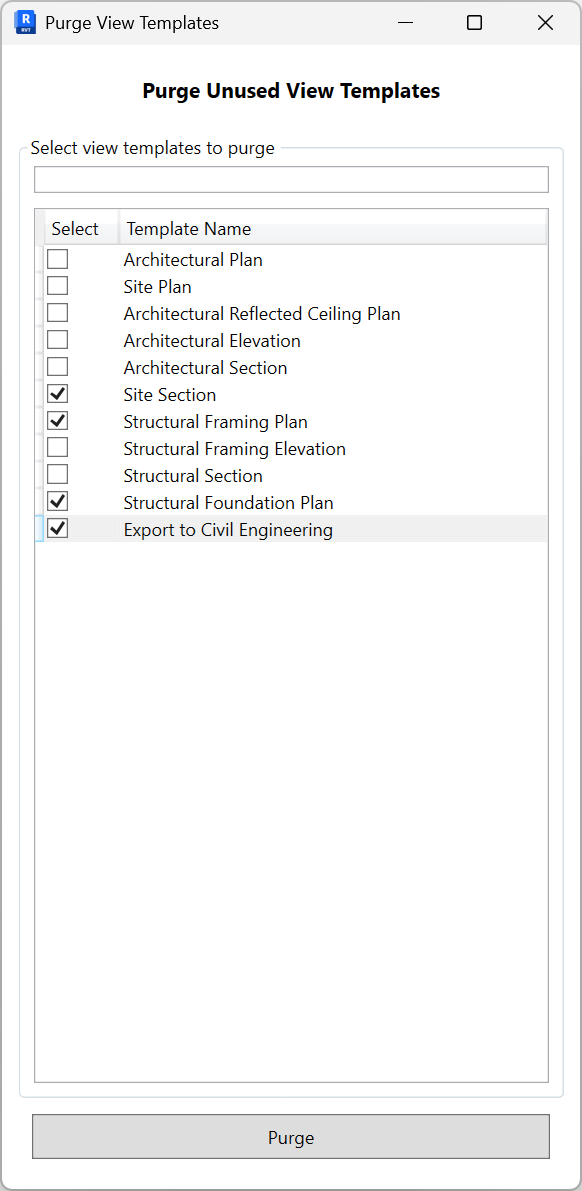
Notes: Only templates with no assignments are shown. Templates currently assigned to views are excluded. Use Revit Undo to revert if needed.